
Documentation
QR code images
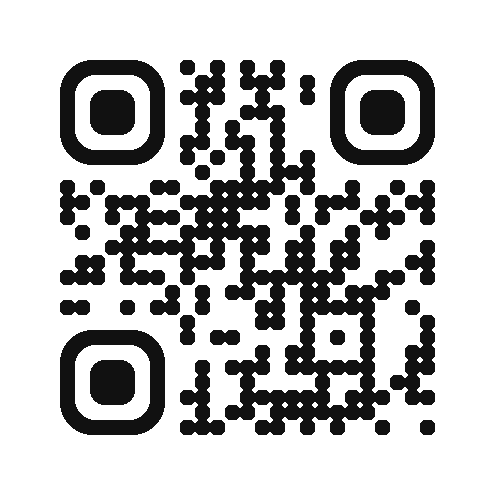
Any QR code as an image, from a URL: no key, no sign-up, no account. Put the URL in an <img>, a Markdown image, an email or a script, and the code is drawn at the edge and cached for good, so the same URL always gives the same image.
https://snip.link/qr?data=https%3A%2F%2Fexample.com
/qr.pngand/qr.svgchoose the format;/qris the short form (PNG, or SVG withformat=svg).datais the only required parameter: the URL-encoded text, up to 1,500 characters. A link, Wi-Fi credentials, a contact card or plain text all work.sizeis 128 to 1024 pixels (default about 512);styleisroundedorsquare;fgandbgare 6 hex digits;eccisL,M,QorH; adddownload=1for an attachment.- The names other QR image APIs use work too:
text,color,bgcolor,dark,light,ecLevel,size=300x300and colours asr-g-b, so a URL written for another service works with only the host changed. - Images carry
Access-Control-Allow-Origin: *and a year-long immutable cache. New images are braked per network; repeats come from the cache.
Showing a QR code in a chat
Chat apps that render Markdown show an image from its URL, so an assistant can answer with a code without a tool call:
For a code people can change after it is printed, shorten the link first (the MCP server does both in one step) and encode the short link: the destination can then change without a new image.